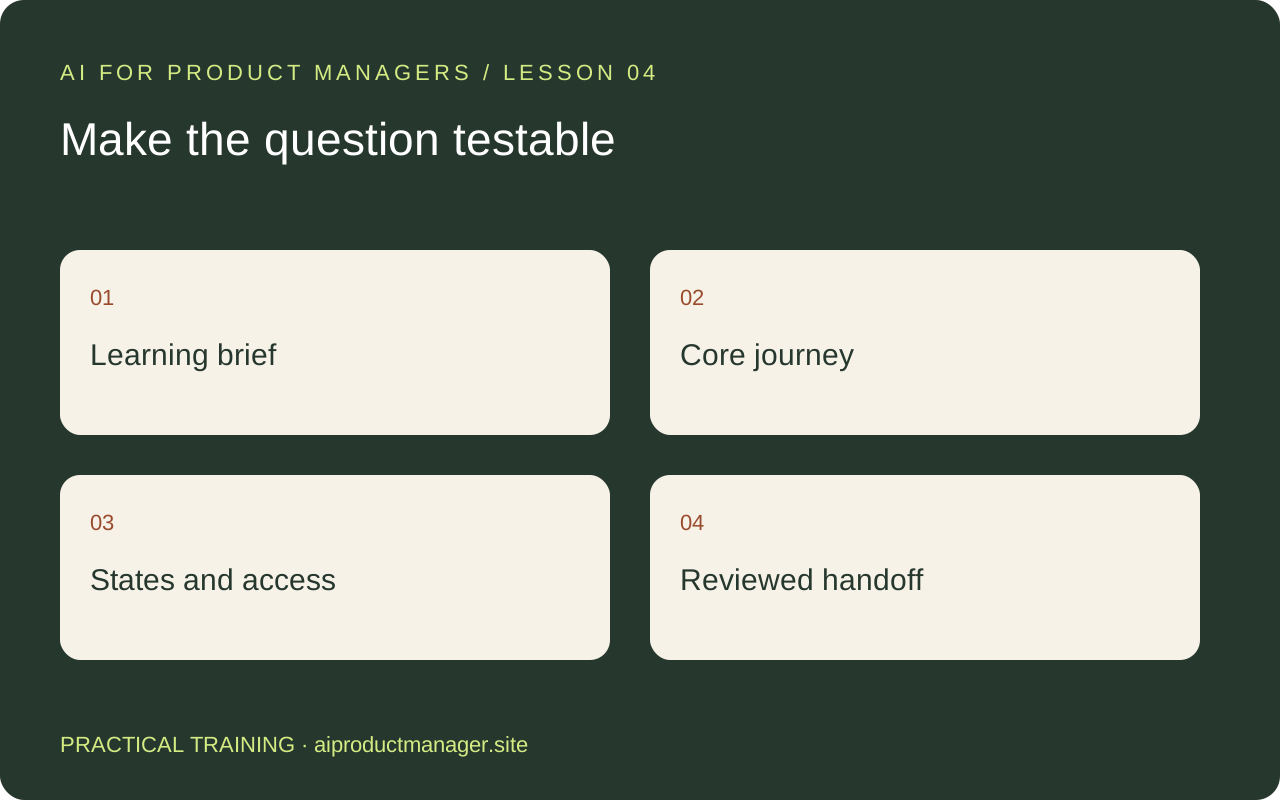
Decide what the prototype must teach you
The goal is not a complete app. Choose one uncertainty: can a new customer find an available appointment and understand that the booking succeeded? Define the starting point, task, expected result and evidence you will collect.
Use an existing brand and component system when available. Give the design tool constraints: content, device sizes, accessibility expectations and what is deliberately out of scope. A prototype with beautiful screens but missing errors may hide the very problem you need to study.
Step 1: prepare the design brief
Include target user, problem evidence, core journey, required fields, success signal and non-goals. Provide approved copy and realistic sample content. Do not upload real customer records simply to make a mockup look convincing.
Step 2: explore with Claude Design
Anthropic introduced Claude Design for visual work including designs and prototypes. Ask for two genuinely different approaches, such as calendar-first and goal-first booking. Evaluate the tradeoff each makes. Keep the task and content constant so you compare design decisions rather than unrelated visual treatments.
Step 3: build and refine in Figma
Figma Make supports generating interactive prototypes from a prompt or existing design context. Use Figma Design for deliberate component and layout refinement as appropriate to your workflow. Do not assume files move losslessly between tools: inspect export/import support and verify what is editable before committing to a handoff.
Prototype [journey] for [audience] using this approved brief and design system. Include an empty state, loading state, unavailable option, validation error, success state and a way to recover. Use fictional data. Keep the prototype focused on [research question]. List simulated behavior and any backend assumptions. Provide a review checklist before we share it with participants.
Step 4: inspect the whole journey
Walk through on mobile and desktop. Check keyboard order, focus visibility, field labels, contrast, long content and zoom. Test back navigation, double submission and a failed request. Automated or AI checks can find issues, but manual interaction and assistive-technology checks remain important.
Step 5: make a useful engineering handoff
| Deliverable | What it must contain |
|---|---|
| Journey | Entry point, steps, completion and recovery |
| Design reference | Approved version, component references and responsive behavior |
| Behavior notes | Validation, loading, errors, permissions and empty states |
| Data contract | Required fields, example values and unresolved API questions |
| Acceptance criteria | Observable pass/fail behavior and explicit non-goals |
Practice assignment
Create one core journey in 60–90 minutes, then ask someone unfamiliar with it to attempt the task. Record confusion without coaching them. Your output is a prototype, issue list and handoff brief. Production security, data storage and deployment require separate engineering work; a functioning demo is not proof those are ready.