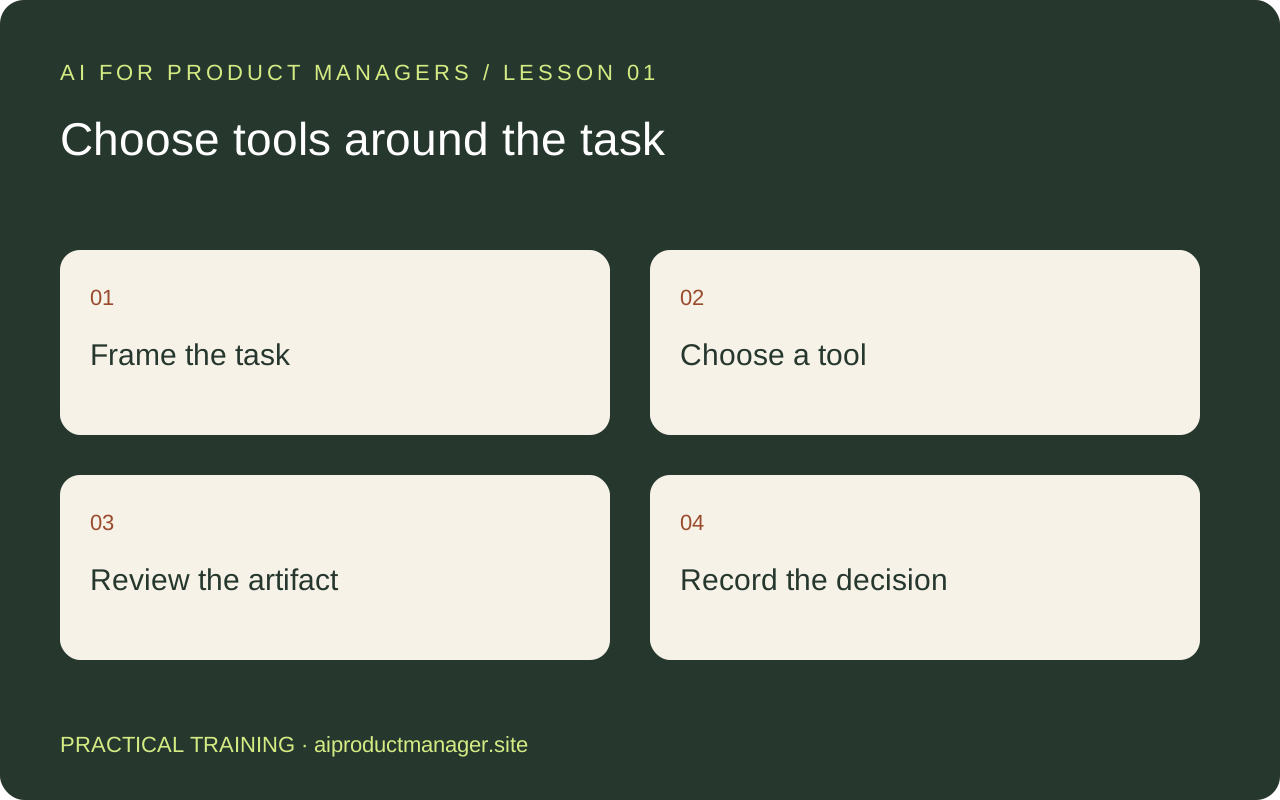
Start with the work you need to finish
Your first setup does not need five subscriptions. Bring one product challenge, an approved evidence packet, and a definition of a good result. Try the same task in tools you already have, then compare accuracy, review effort and usability of the final artifact.
This lesson uses a fictional appointment product: customers abandon booking when they cannot tell which times are available. Treat that as a hypothesis until real research supports it.
Understand the names before choosing a workflow
| Tool or name | A practical PM assignment | Review before using the output |
|---|---|---|
| Claude at work / “Claude Work” | Turn approved project notes into a decision brief | Use this as a description of work with Claude, not a verified separate product name |
| Claude Cowork / unified Claude | Organize a research packet and produce editable deliverables | Verify source attribution, permissions and the actual files produced |
| Claude Design | Explore visual directions and prototype a core journey | Check states, accessibility and whether the design answers the research question |
| GPT-6 Astra | Work through a complex product decision and challenge its assumptions | Verify evidence and calculations; app actions depend on available tools and permissions |
| Figma Design / Figma Make | Refine design work and make an interactive prototype | Test interaction behavior, responsive layout and implementation assumptions |
Naming note, checked October 24, 2026: official OpenAI documentation identifies GPT-6 Astra. We could not verify “Astra 6.5” as an official model name. Anthropic documents a unified Claude experience that brings chat and Cowork together; accounts can differ during rollout. Do not assume a particular mode selector is present.
A 45-minute practice lab
- Spend ten minutes preparing a brief: target user, current workflow, three source notes, constraints, and one decision question. Remove personal data you do not need.
- Ask Claude or Astra for an evidence table and two competing interpretations. Open every cited source and correct misattributions.
- Choose one interpretation to explore. Give Claude Design or Figma Make a brief for the smallest testable booking journey. Include unavailable times, loading, failure and confirmation states.
- Review the prototype with a designer or colleague. Use real participants for usability findings; AI commentary is a critique, not user research.
- Save the approved brief, prototype link, unresolved questions and next action together. Record the tool and date so someone else can reproduce the work.
Copy the working prompt
Help me prepare a product decision using only the attached approved evidence. Goal: [goal]. User: [user]. Decision: [question]. Constraints: [constraints]. Produce an evidence table with source IDs, two competing explanations, missing evidence, and a small next test. Label assumptions. Do not invent findings. Finish with a handoff brief for a designer, including key states and the question the prototype should test.
Your finished deliverable
Produce a one-page decision brief and one prototype link. Score each tool on evidence accuracy, correction time, quality of handoff and total task time. A polished first draft that takes longer to verify may be the wrong fit.
Official product references
- Claude chat and Cowork are one Claude
- Introducing Claude Design
- GPT-6 Astra documentation
- Figma interactive prototyping with AI
The exercises here are our suggested workflows, not vendor promises of results. Check your account for current access and features.